Skip to content
Brick Township:
  • (732) 200-7707
  • 10 Chambers Bridge Rd. Brick Township, NJ 08723
East Brunswick:
  • (732) 200-7707
  • 437 NJ-18 East Brunswick, NJ 08816
Sea Girt:
  • (732) 200-7707
  • 519 Washington Blvd, Sea Girt, NJ 08750
Tinton Falls:
  • (732) 200-7707
  • 101 Stavbro Ln Suite A, Tinton Falls, NJ 07724
Brick Township:
  • (732) 200-7707
  • 10 Chambers Bridge Rd. Brick Township, NJ 08723
East Brunswick:
  • (732) 200-7707
  • 437 NJ-18 East Brunswick, NJ 08816
Sea Girt:
  • (732) 200-7707
  • 519 Washington Blvd, Sea Girt, NJ 08750
Tinton Falls:
  • (732) 200-7707
  • 101 Stavbro Ln Suite A, Tinton Falls, NJ 07724
Brick Township:
  • (732) 200-7707
  • 10 Chambers Bridge Rd. Brick Township, NJ 08723
East Brunswick:
  • (732) 200-7707
  • 437 NJ-18 East Brunswick, NJ 08816
Sea Girt:
  • (732) 200-7707
  • 519 Washington Blvd, Sea Girt, NJ 08750
Tinton Falls:
  • (732) 200-7707
  • 101 Stavbro Ln Suite A, Tinton Falls, NJ 07724
Auto Image logo with stylized silver and purple text on a transparent background.
  • Home
  • Window Tint
  • Paint Protection Film
  • Services
    • Ceramic Coating
    • Vinyl Wrap
    • Audio & Video Solution
    • Auto Detailing
    • Truck Accessories
    • Wheels & Tires
    • Lighting Upgrades
    • Driver Safety
    • Auto Performance
    • Windshield Protection
    • Remote Start
  • About Us
    • Family Brands
    • Careers
  • Blog
  • Contact Us
  • Dealers
  • Location
    • Brick Township
    • East Brunswick
    • Sea Girt
    • Tinton Falls
  • Home
  • Window Tint
  • Paint Protection Film
  • Services
    • Ceramic Coating
    • Vinyl Wrap
    • Audio & Video Solution
    • Auto Detailing
    • Truck Accessories
    • Wheels & Tires
    • Lighting Upgrades
    • Driver Safety
    • Auto Performance
    • Windshield Protection
    • Remote Start
  • About Us
    • Family Brands
    • Careers
  • Blog
  • Contact Us
  • Dealers
  • Location
    • Brick Township
    • East Brunswick
    • Sea Girt
    • Tinton Falls
Contact Us
Dealers

Adding An Auxiliary Input To Your Factory Radio

Scroll Down
  • 05 Mar 2017
Adding An Auxiliary Input To Your Factory Radio

A message that mobile enhancement retailers strive to share is that we want you to come to us with your feature requests or ideas. If you want a remote starter or audio system upgrade, you know to come to us – but did you know we also can install heated seats, auto-dimming mirrors or auxiliary input jacks on factory audio systems? We can, and our prices are often much less than dealer options or upgraded trim packages on new vehicles. Let’s look at a few options for auxiliary input additions.

Why Would You Want an Auxiliary Input?

We all seem to have at least few hundred of our favorite songs stored on our cellphones or portable media players. We listen to them while we are out for a walk, grocery shopping or even at our desks at work, but we can’t always listen in our cars or trucks. If your factory radio doesn’t have Bluetooth or a USB port to which you can connect your phone, then there is no easy way to enjoy your music. In addition, in many states and provinces, it is illegal to wear headphones while driving. What is the solution? We can add an auxiliary input to your factory radio.

An auxiliary input interface allows you to connect the 1/8-inch headphone jack output of your smartphone or media player to your radio. Once it is connected, you can listen to your music through the factory radio and speakers.

Optical Connection

Many European vehicles, such as Porsche, Mercedes-Benz, Range Rover, Audi, BMW, Aston Martin, Jaguar and Bentley, use a digital fiber optic bus communication system called MOST for multimedia and audio transfer. MOST stands for Media Oriented Systems Transport. This fiber optic system handles audio signals between the radio, Bluetooth, and iPod modules and amplifiers. In many models of the vehicle brands listed above, we can add an in-line module that provides a stereo auxiliary input. No need to replace the expensive radio. Just connect to your smartphone’s headphone jack and enjoy.

Wired Connections

Several companies manufacture auxiliary input interfaces that mimic the presence of an optional satellite radio tuner module. The interface will have a stereo input connection for your music and will connect to your factory radio via the satellite radio tuner interface port. Just press the Sat button to activate the input.

Many older vehicles on the road had the option for a CD changer. We can provide an auxiliary input interface for many of these vehicles that allows you to connect your portable media player or cellphone to these radios. To select the aux input, just press the CD changer button.

RF Connection

For decades, one of the most popular methods of feeding and audio signal into a radio that didn’t have a dedicated auxiliary input was to use an FM Modulator. These devices would take the audio signal from your media player or phone, and transmit that into your radio via the FM receiver. You would turn the modulator on, tune to a specific radio station (which is selectable so it doesn’t interfere with a local station), and voila – you could hear your music. These are still available when a wired connection is simply not possible. The sound quality is limited by the FM receiver of your radio, but it’s better than listening to your music via the speaker built into your phone.

Visit Your Local Car Audio Specialist Today

While there isn’t an auxiliary input interface available for every make, model and trim level of vehicle, a lot are covered. Drop by your local car audio specialist retailer to see if one is available for your vehicle. You will likely want to have the shop install the interface for you – they know how to take apart the dash or remove the radio without damaging anything. And they know the best places to power the new interface. Boy, are they ever smart!
Related Posts:
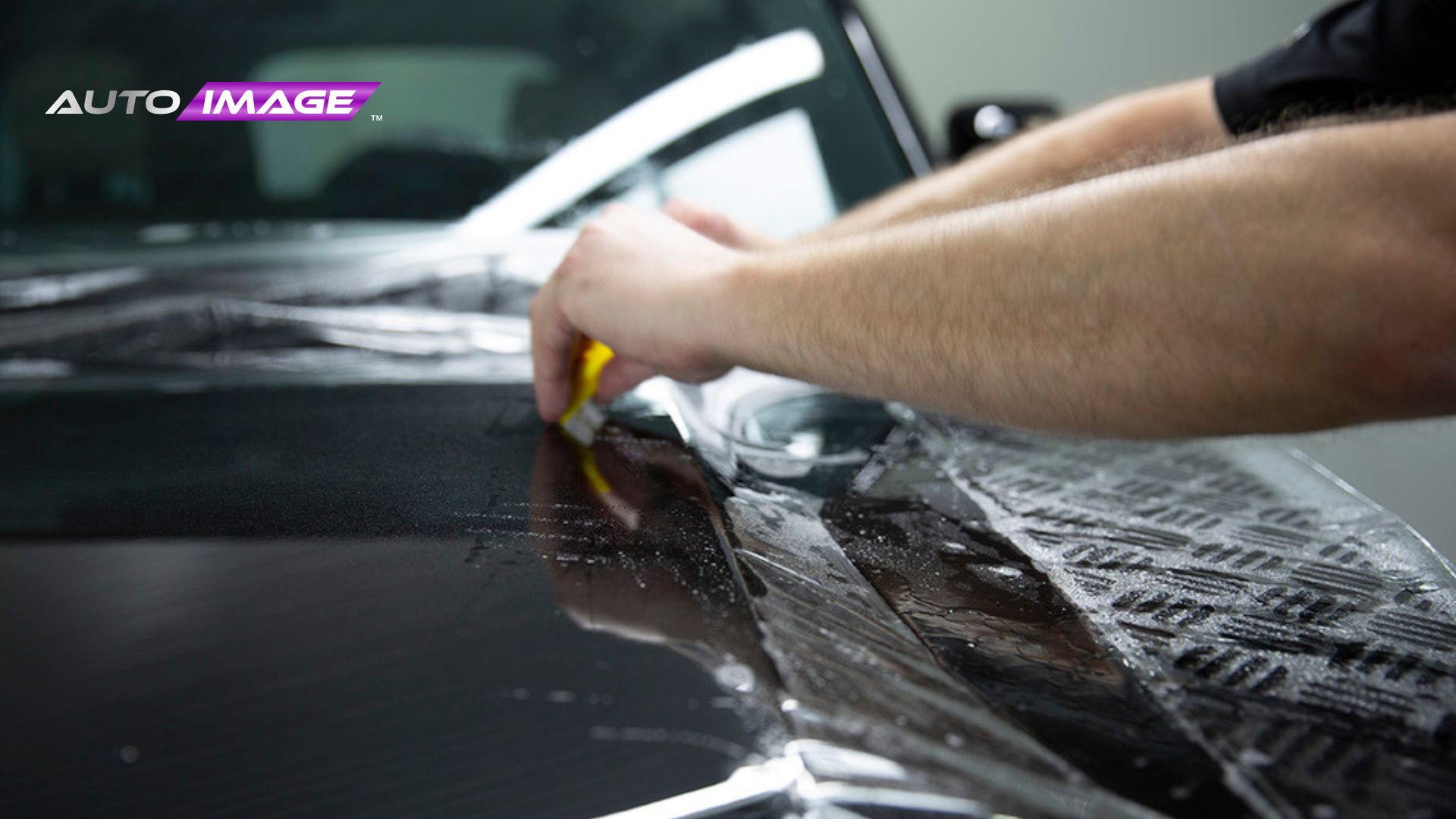
Installer using a squeegee to apply paint protection film to the hood of a black car, wearing black gloves in a clean workshop.
  • Dec 30, 2025

How to Maintain Your Paint Protection Film in New Jersey Weather

Hand holding a remote start fob near an SUV partially covered in snow with its headlights on.
  • Dec 30, 2025

Remote Start Features NJ Drivers Should Look for This Winter

Compustar DSST remote start remote standing upright in fresh snow, screen showing “Start” and vehicle status.
  • Dec 29, 2025

How Remote Start Helps During Unexpected Cold Snaps in New Jersey

Person in a winter coat using a remote start remote in a snowy parking lot.
  • Dec 26, 2025

Do Remote Starters Help Fuel Efficiency in Cold NJ Weather? Here’s the Truth

Firstech Compustar Pro Image logo with bold black and purple design.

Hours Of Operation

Monday – Saturday
9:00 AM to 6:00 PM
Sunday: Closed

Shops

(732) 200-7707
Brick Township
10 Chambers Bridge Rd. Brick Township, NJ 08723
Get Direction
(732) 200-7707
East Brunswick
437 NJ-18 East Brunswick, NJ 08816
Get Direction

Shops

(732) 200-7707
Sea Girt
519 Washington Blvd, Sea Girt, NJ 08750
Get Direction
(732) 200-7707
Tinton Falls
101 Stavbro Ln Suite A, Tinton Falls, NJ 07724
Get Direction

Services

  • Window Tint
  • Paint Protection Film
  • Ceramic Coating
  • Vinyl Wrap
  • Audio & Video Solution
  • Auto Detailing
  • Truck Accessories
  • Window Tint
  • Paint Protection Film
  • Ceramic Coating
  • Vinyl Wrap
  • Audio & Video Solution
  • Auto Detailing
  • Truck Accessories

Services

  • Wheels & Tires
  • Lighting Upgrades
  • Driver Safety
  • Auto Performance
  • Windshield Protection
  • Remote Start
  • Wheels & Tires
  • Lighting Upgrades
  • Driver Safety
  • Auto Performance
  • Windshield Protection
  • Remote Start
Auto Image © 2026. All rights reserved.
Terms of Use
Privacy Policy
Mediatune logo featuring modern, rounded typography in a clean, minimal design style, set against a transparent background.
Powered by Media Tune
black-friday-deals-img (3)
black-friday-deals-img (2)
black-friday-deals-img (1)
black-friday-deals-img (8)
black-friday-deals-img (7)
black-friday-deals-img (6)
black-friday-deals-img (5)
black-friday-deals-img (4)