Skip to content
Brick Township:
  • (732) 920-0606
  • 10 Chambers Bridge Rd. Brick Township, NJ 08723
East Brunswick:
  • (732) 254-2727
  • 437 NJ-18 East Brunswick, NJ 08816
Sea Girt:
  • (732) 449-0931
  • 519 Washington Blvd, Sea Girt, NJ 08750
Tinton Falls:
  • (732) 454-3003
  • 101 Stavbro Ln Suite A, Tinton Falls, NJ 07724
Brick Township:
  • (732) 920-0606
  • 10 Chambers Bridge Rd. Brick Township, NJ 08723
East Brunswick:
  • (732) 254-2727
  • 437 NJ-18 East Brunswick, NJ 08816
Sea Girt:
  • (732) 449-0931
  • 519 Washington Blvd, Sea Girt, NJ 08750
Tinton Falls:
  • (732) 454-3003
  • 101 Stavbro Ln Suite A, Tinton Falls, NJ 07724
Brick Township:
  • (732) 920-0606
  • 10 Chambers Bridge Rd. Brick Township, NJ 08723
East Brunswick:
  • (732) 254-2727
  • 437 NJ-18 East Brunswick, NJ 08816
Sea Girt:
  • (732) 449-0931
  • 519 Washington Blvd, Sea Girt, NJ 08750
Tinton Falls:
  • (732) 454-3003
  • 101 Stavbro Ln Suite A, Tinton Falls, NJ 07724
Auto Image logo with stylized silver and purple text on a transparent background.
  • Home
  • Window Tint
  • Paint Protection Film
  • Services
    • Ceramic Coating
    • Vinyl Wrap
    • Audio & Video Solution
    • Auto Detailing
    • Truck Accessories
    • Wheels & Tires
    • Lighting Upgrades
    • Driver Safety
    • Auto Performance
    • Windshield Protection
    • Remote Start
  • About Us
    • Family Brands
    • Careers
  • Blog
  • Contact Us
  • Dealers
  • Location
    • Brick Township
    • East Brunswick
    • Sea Girt
    • Tinton Falls
  • Home
  • Window Tint
  • Paint Protection Film
  • Services
    • Ceramic Coating
    • Vinyl Wrap
    • Audio & Video Solution
    • Auto Detailing
    • Truck Accessories
    • Wheels & Tires
    • Lighting Upgrades
    • Driver Safety
    • Auto Performance
    • Windshield Protection
    • Remote Start
  • About Us
    • Family Brands
    • Careers
  • Blog
  • Contact Us
  • Dealers
  • Location
    • Brick Township
    • East Brunswick
    • Sea Girt
    • Tinton Falls
Contact Us
Dealers

What Is Android Auto?

Scroll Down
  • 04 Jun 2021
What Is Android Auto?

When it comes to staying in touch with your family and friends while behind the wheel, we all know that it’s best to keep your cellphone in your pocket or purse. What do you do when you just have to communicate? Do it intelligently and safely with a smartphone integration system like Android Auto. Let’s look at the functionality of this unique communication solution.

What Is It?

Android Auto is a software suite that runs on a multimedia source unit. Android Auto will work with most Android-based cellular phones running version 5 (Lollipop) or newer of the Android operating system.

Android Auto provides users with an intuitive and easy-to-use interface that allows them to make phone calls, send and receive text messages, play music, and use Google Maps for GPS-based navigation. The entire interface was designed specifically to be used while in the car. The icons are large and easy to read, and you can use Google’s voice recognition interface to execute commands for most functions.

How Do I Use It?

It’s very easy to use Android Auto. Start by downloading and installing the Android Auto application on your smartphone from the Google Play store. Pair your phone to the radio over Bluetooth. Plug the USB cable into your phone. Depending on the model of your source unit, Android Auto should launch automatically or may require that you should press the Android Auto button. From there, you will see the home screen with information such as recent navigation searches and weather information. All you have to do to start using Android Auto is press the microphone button and talk. If you prefer to press buttons, there is a row of smart keys at the bottom of the screen.

What Can I Do?

Let’s say you get stuck in traffic and you need to call someone with whom you have an appointment. Press the voice button and simply say, “Call Sam Smith” or “Call 321-555-1234.” The radio and phone will take care of the rest. The same goes for sending a text message; simply press the voice button and say “Send Sam Smith a text message.” The system will respond by asking what you want to say, to which you can reply, again verbally, “Hi, Sam, I’m stuck in traffic. I will be 20 minutes late. Please accept my apologies.” Google will send your text message. If and when Sam responds, you can ask Android Auto to read you the reply message.

Picking a song from the music stored on your phone is just as easy. Press the voice button and ask it to “Play Lorde” or anything else you have available.

You can use the voice recognition system to select a navigation destination just as easily. Simply press the voice button and say, “Take me to the nearest gas station” or “Find me an Italian restaurant” or “Plot a route to 555 Renegade Road in Bismarck.” There are several benefits to using Google Maps to assist in planning your route. You have access to the latest destination information from the inconceivably massive Google database. You always have the latest mapping. There is never a need to buy anything. Google provides real-time traffic flow information to help plan your route efficiently.

Additional Android Auto Applications

Android Auto has released a development kit to allow third-party companies to create applications that will integrate with Android Auto. These apps include Pandora, iHeartRadio, Spotify Music, TuneIn Radio, Skype and many more. You also get access to Google Play Music for free for 90 days when you first start using Android Auto. That’s 30 million songs, right at your fingertips.

If you have an Android phone and are looking for a safe way to stay in touch, be entertained and get the best driving directions available, all while driving, then drop into your local car audio specialist retailer. Bring your phone along – chances are they will have a unit on display that you can try out.
Auto Image Brick Township, NJ

10 Chambers Brg Rd, Brick Township, NJ 08723, United States

(732) 920-0606

Google Reviews

Auto Image Brick East Brunswick, NJ

437 NJ-18, East Brunswick, NJ 08816, United States

(732) 254-2727

Google Reviews

Auto Image Sea Girt, NJ

519 Washington Blvd, Sea Girt, NJ 08750

(732) 200-7707

Google Reviews

Auto Image Tinton Falls, NJ

101 Stavbro Ln Suite A, Tinton Falls, NJ 07724

(732) 200-7707

Google Reviews

Related Posts:
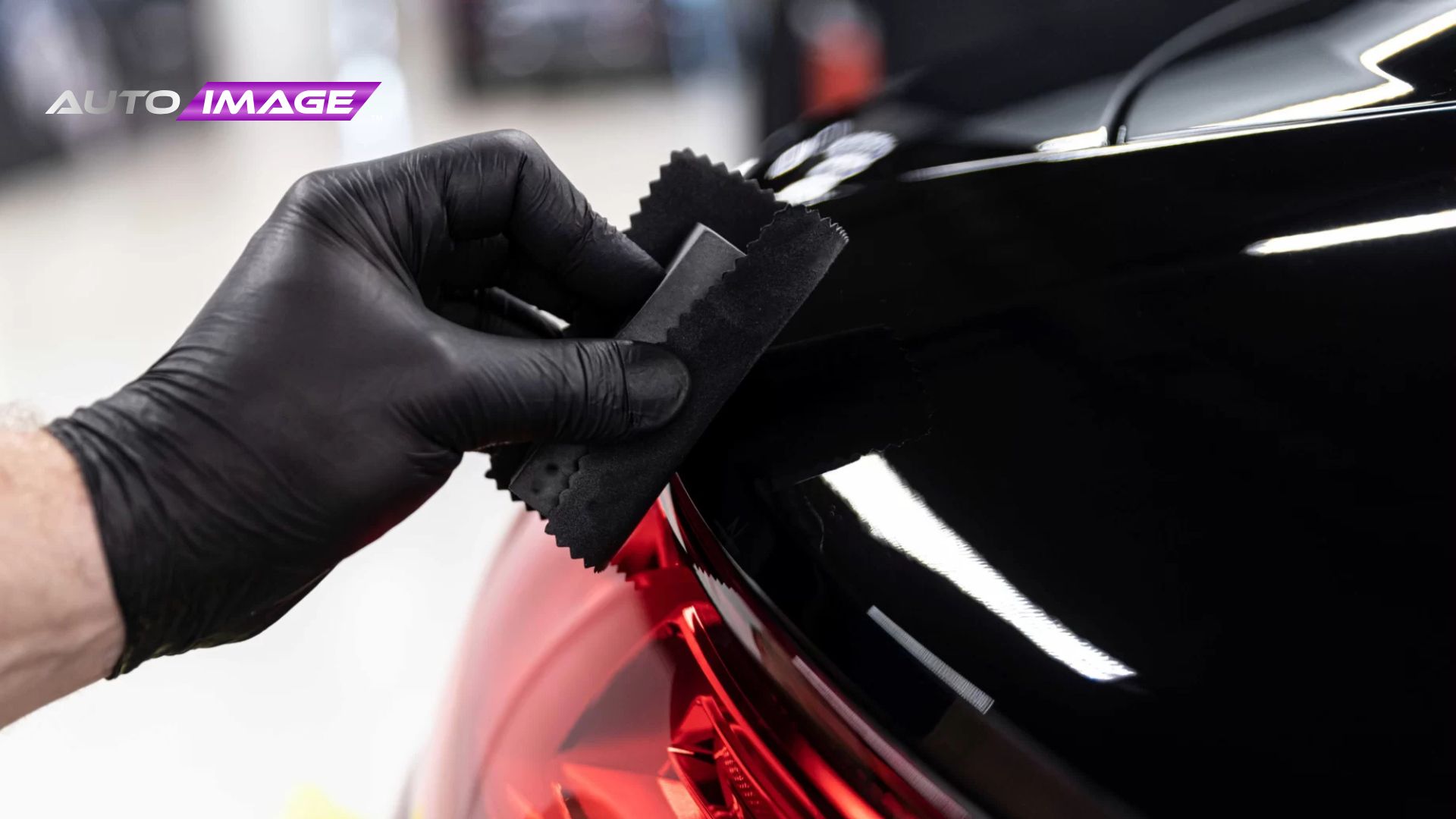
Technician wearing a black glove wipes the edge of a glossy black car panel near a red tail light using a small microfiber cloth while applying ceramic coating.
  • Mar 06, 2026

How Long Does Ceramic Coating Last in New Jersey?

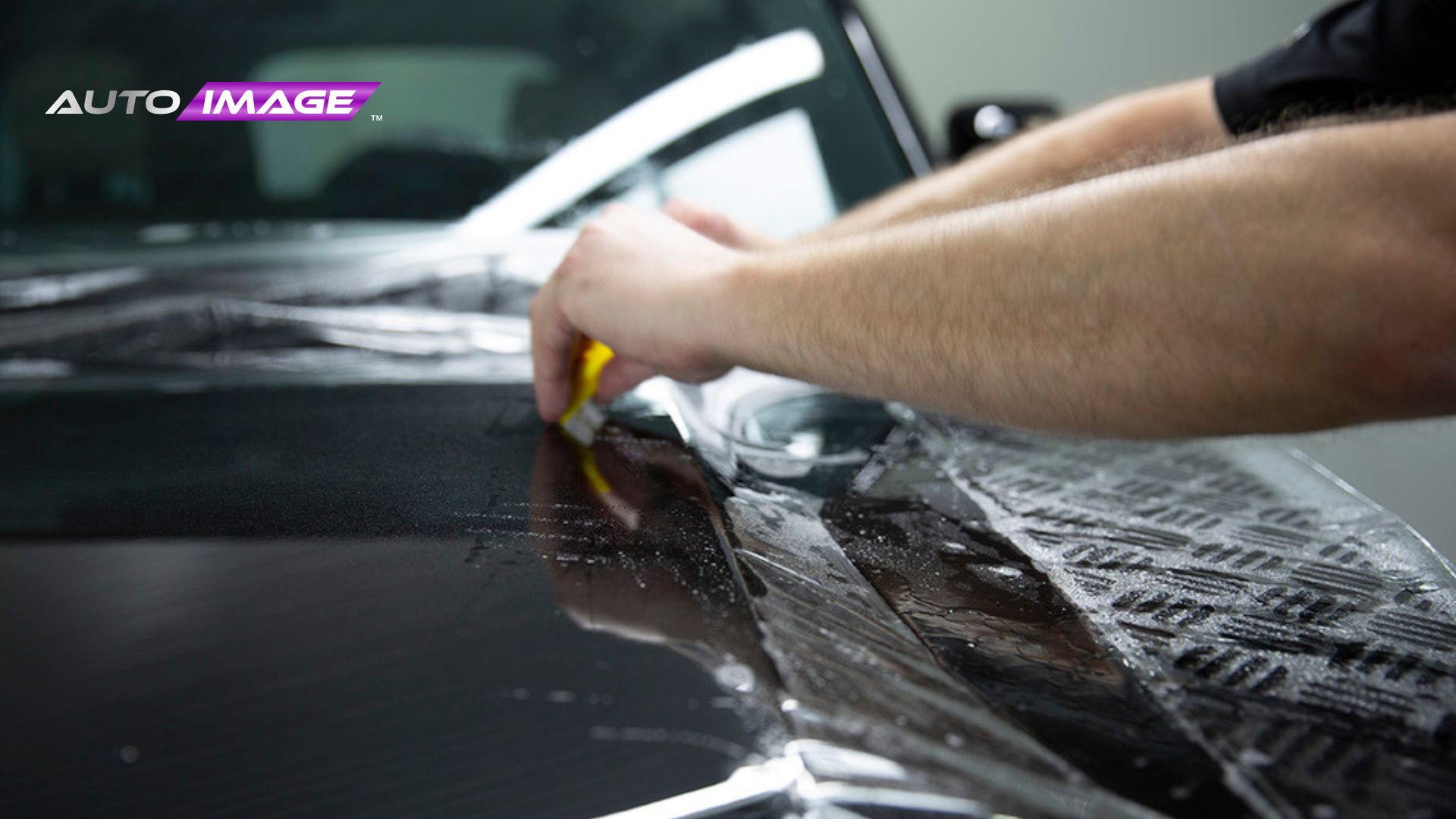
A technician uses a yellow squeegee to press water out from under paint protection film on a black car hood while installing the protective layer. The logo "AUTO IMAGE" appears in the upper left corner as the film is carefully smoothed across the paint.
  • Mar 04, 2026

Why Protect Your New Car with Paint Protection Film in New Jersey?

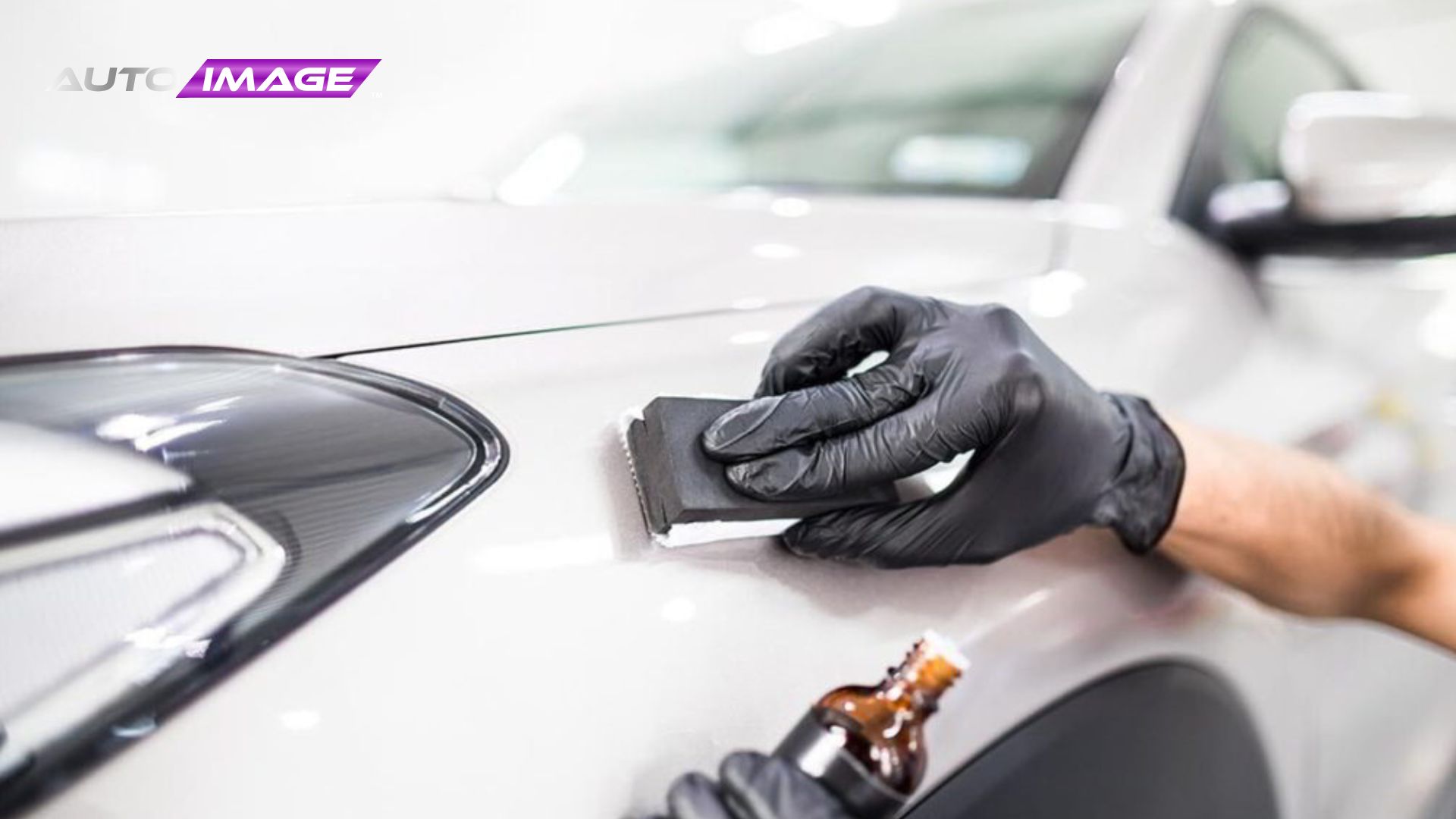
Gloved technician applies ceramic coating to a white vehicle using a small applicator block while holding a bottle of coating solution nearby. The product is carefully spread in controlled strokes to ensure even coverage and durable paint protection.
  • Feb 13, 2026

Benefits of Ceramic Coating for Cars in New Jersey – Full Guide

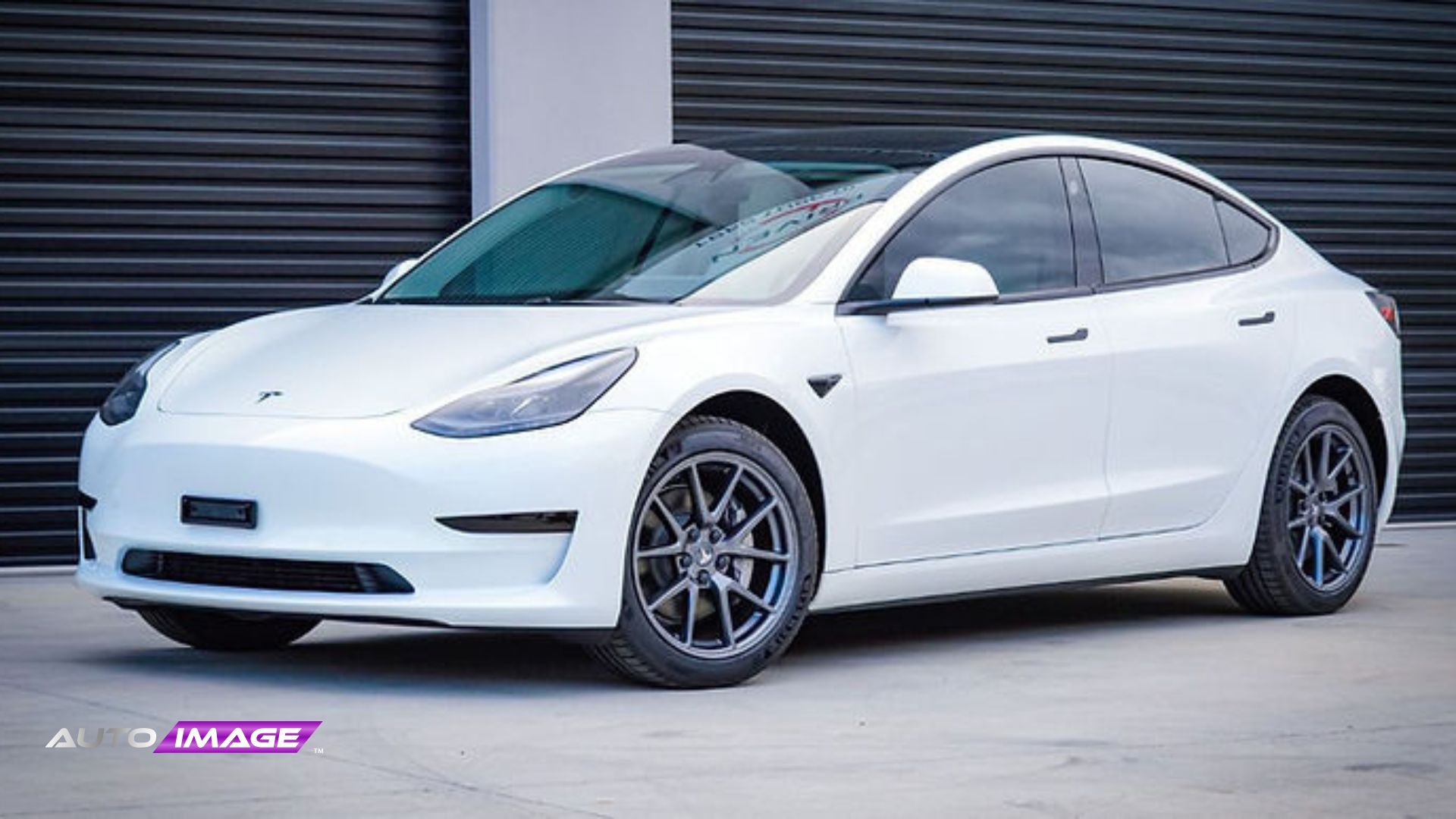
white Tesla with Window Film installation.
  • Feb 13, 2026

Top Reasons Tesla Drivers Are Rushing to Get 3M Window Film Installed

Firstech Compustar Pro Image logo with bold black and purple design.

Hours Of Operation

Monday – Saturday
9:00 AM to 6:00 PM
Sunday: Closed

Shops

(732) 920-0606
Brick Township
10 Chambers Bridge Rd. Brick Township, NJ 08723
Get Direction
(732) 254-2727
East Brunswick
437 NJ-18 East Brunswick, NJ 08816
Get Direction

Shops

(732) 449-0931
Sea Girt
519 Washington Blvd, Sea Girt, NJ 08750
Get Direction
(732) 454-3003
Tinton Falls
101 Stavbro Ln Suite A, Tinton Falls, NJ 07724
Get Direction

Services

  • Window Tint
  • Paint Protection Film
  • Ceramic Coating
  • Vinyl Wrap
  • Audio & Video Solution
  • Auto Detailing
  • Truck Accessories
  • Window Tint
  • Paint Protection Film
  • Ceramic Coating
  • Vinyl Wrap
  • Audio & Video Solution
  • Auto Detailing
  • Truck Accessories

Services

  • Wheels & Tires
  • Lighting Upgrades
  • Driver Safety
  • Auto Performance
  • Windshield Protection
  • Remote Start
  • Wheels & Tires
  • Lighting Upgrades
  • Driver Safety
  • Auto Performance
  • Windshield Protection
  • Remote Start
Auto Image © 2026. All rights reserved.
Terms of Use
Privacy Policy
Mediatune logo featuring modern, rounded typography in a clean, minimal design style, set against a transparent background.
Powered by Media Tune
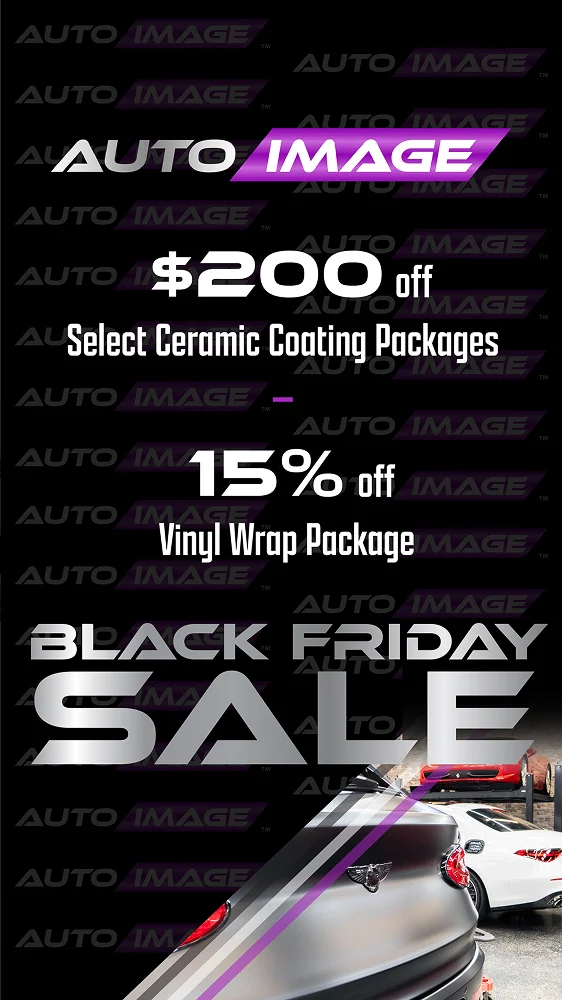
black-friday-deals-img (3)
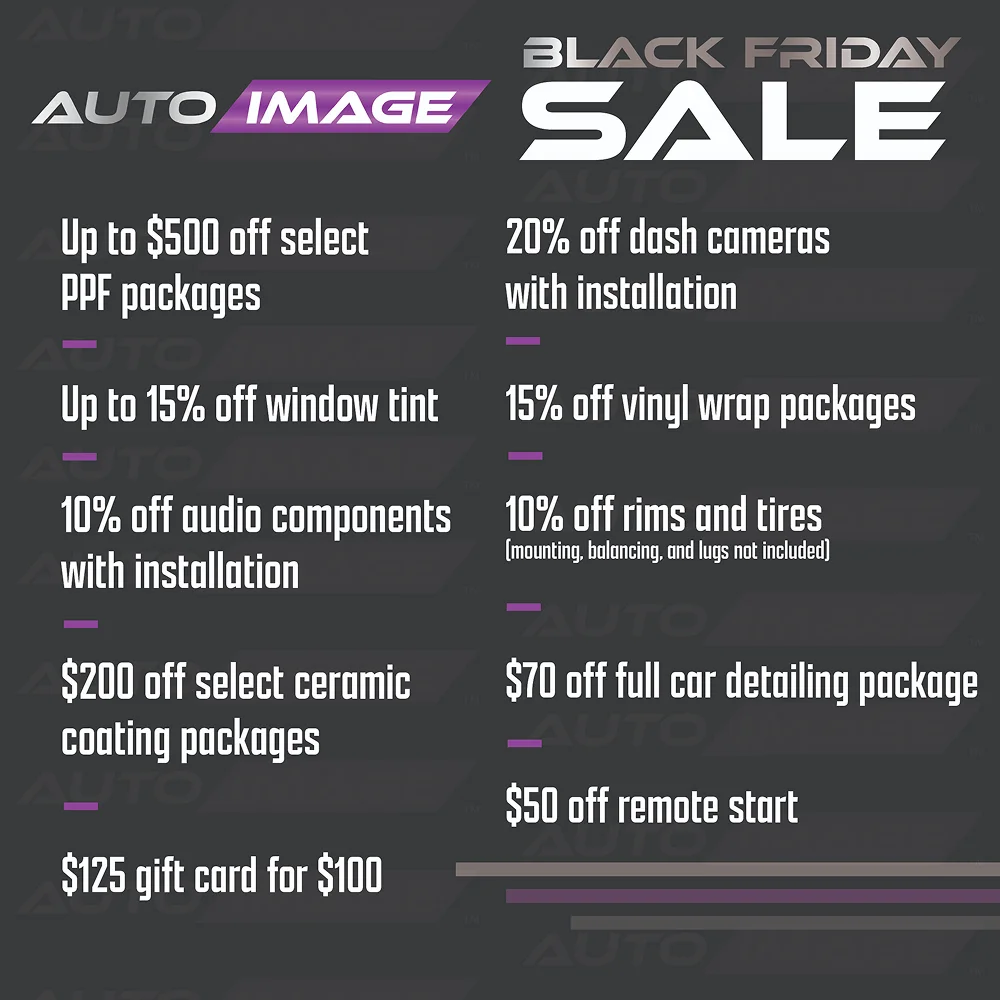
black-friday-deals-img (2)
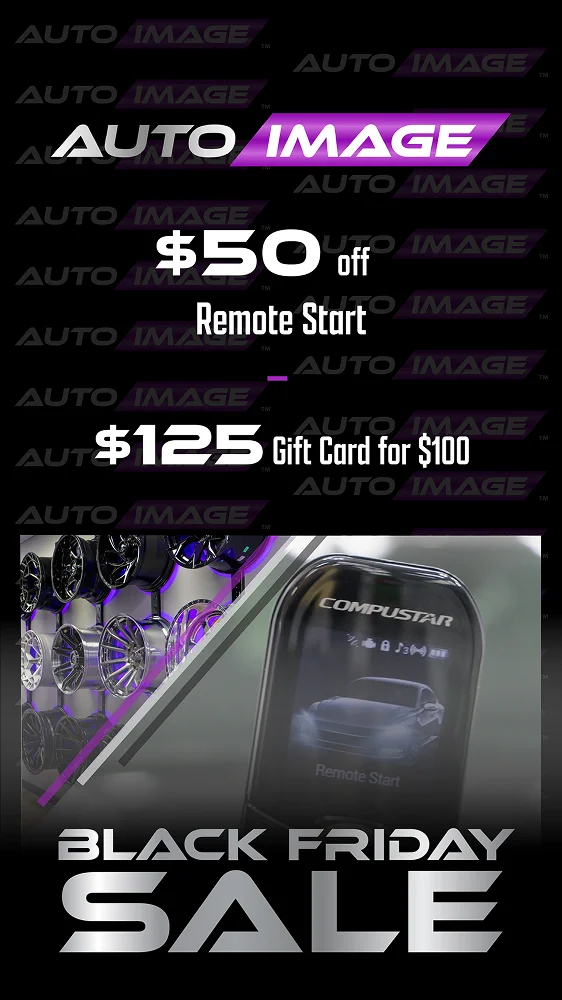
black-friday-deals-img (1)
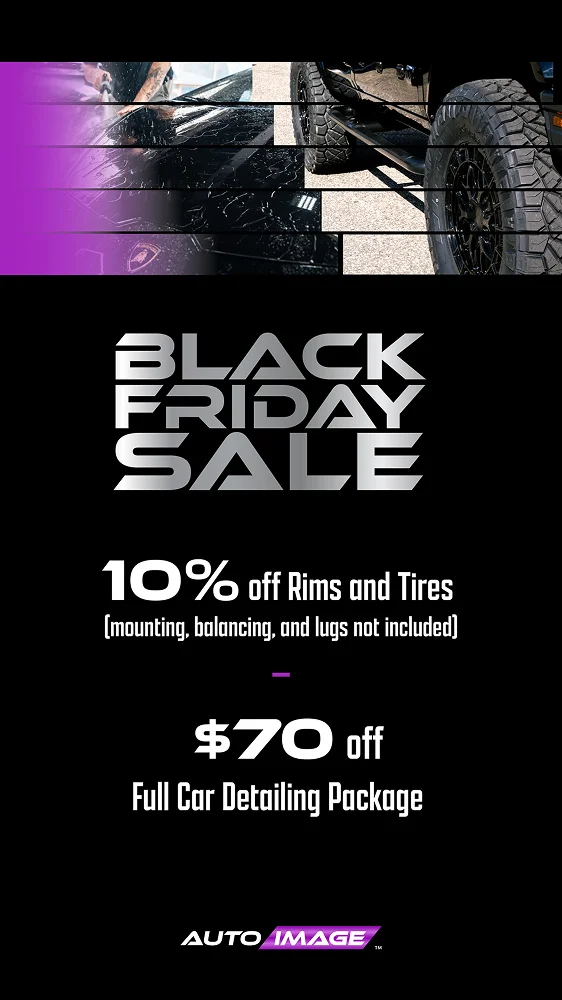
black-friday-deals-img (8)
black-friday-deals-img (7)
black-friday-deals-img (6)
black-friday-deals-img (5)
black-friday-deals-img (4)