Skip to content
Brick Township:
  • (732) 920-0606
  • 10 Chambers Bridge Rd. Brick Township, NJ 08723
East Brunswick:
  • (732) 254-2727
  • 437 NJ-18 East Brunswick, NJ 08816
Sea Girt:
  • (732) 449-0931
  • 519 Washington Blvd, Sea Girt, NJ 08750
Tinton Falls:
  • (732) 454-3003
  • 101 Stavbro Ln Suite A, Tinton Falls, NJ 07724
Brick Township:
  • (732) 920-0606
  • 10 Chambers Bridge Rd. Brick Township, NJ 08723
East Brunswick:
  • (732) 254-2727
  • 437 NJ-18 East Brunswick, NJ 08816
Sea Girt:
  • (732) 449-0931
  • 519 Washington Blvd, Sea Girt, NJ 08750
Tinton Falls:
  • (732) 454-3003
  • 101 Stavbro Ln Suite A, Tinton Falls, NJ 07724
Brick Township:
  • (732) 920-0606
  • 10 Chambers Bridge Rd. Brick Township, NJ 08723
East Brunswick:
  • (732) 254-2727
  • 437 NJ-18 East Brunswick, NJ 08816
Sea Girt:
  • (732) 449-0931
  • 519 Washington Blvd, Sea Girt, NJ 08750
Tinton Falls:
  • (732) 454-3003
  • 101 Stavbro Ln Suite A, Tinton Falls, NJ 07724
Auto Image logo with stylized silver and purple text on a transparent background.
  • Home
  • Window Tint
  • Paint Protection Film
  • Services
    • Ceramic Coating
    • Vinyl Wrap
    • Audio & Video Solution
    • Auto Detailing
    • Truck Accessories
    • Wheels & Tires
    • Lighting Upgrades
    • Driver Safety
    • Auto Performance
    • Windshield Protection
    • Remote Start
  • About Us
    • Family Brands
    • Careers
  • Blog
  • Contact Us
  • Dealers
  • Location
    • Brick Township
    • East Brunswick
    • Sea Girt
    • Tinton Falls
  • Home
  • Window Tint
  • Paint Protection Film
  • Services
    • Ceramic Coating
    • Vinyl Wrap
    • Audio & Video Solution
    • Auto Detailing
    • Truck Accessories
    • Wheels & Tires
    • Lighting Upgrades
    • Driver Safety
    • Auto Performance
    • Windshield Protection
    • Remote Start
  • About Us
    • Family Brands
    • Careers
  • Blog
  • Contact Us
  • Dealers
  • Location
    • Brick Township
    • East Brunswick
    • Sea Girt
    • Tinton Falls
Contact Us
Dealers

Product Spotlight: DroneMobile Smartphone Car Control

Scroll Down
  • 04 Jun 2021
Product Spotlight: DroneMobile Smartphone Car Control

If you are looking for that ultimate remote control solution for your Compustar remote car starter, then DroneMobile is it. By combining the convenience of your smartphone with an interface module in your vehicle, the DroneMobile system allows you to control door locks, remote starter functions and even accessories like trunk release from almost anywhere. As long as you and your vehicle are in an area with cellular coverage, you are in control.

How does DroneMobile Work?

DroneMobile is a remote control solution for your car starter that combines hardware in your vehicle with software on your smartphone. The hardware is based on a compact cellular radio module. Think of this module as a smartphone, but without the microphone, speaker and display. The module is installed in your vehicle and communicates with your remote car starter digitally to relay commands and information.

The second part of the DroneMobile system is a software app on your smartphone. Apps are available for Apple iPhones and Android-based phones. The app lets you send commands to, and receive information back from, the remote starter in your vehicle using the phone’s Internet connection.

That’s right. As long as you and your vehicle have cellular data service, you can start your car. You can be anywhere in the world and have complete control. DroneMobile gives you virtually unlimited range.

Why would I want to use my Smartphone?

The most common application for DroneMobile is in situations where a handheld remote fob doesn’t have enough range to control your vehicle. You can be on the other side of a warehouse or factory, or on the other side of town, and still be able to remote start your vehicle. Letting the engine of your car or truck warm up for as little as 3 or 4 minutes on a cold winter day can save a lot of wear and tear, and make it much more comfortable when it’s time to drive away.

Here’s another scenario: What if you lock your keys in your vehicle? If you happen to have your phone in your pocket, you can unlock the vehicle from the app in just a few seconds. Let’s say you left your phone in the car? You can borrow a friend’s smartphone, download the app, log in and tap the Unlock button. A third option is to log into the DroneMobile desktop app from any web browser and send the unlock command from there. No computer nearby? Pick up one of those old-fashioned landline telephones and call a family member; they can log into the desktop app for you.

Start the Car with a Smartphone?

Using DroneMobile is easy. Let’s say you want to remote start your car while sitting at your desk in a large office building. Launch the DroneMobile app on your phone and tap the Engine Start/Stop button. The app will send that request to the DroneMobile server using your phone’s Internet connection. The server relays that command to your vehicle over the cellular data network. The vehicle will start, then report back to the app that it’s running. The whole process takes only a few seconds, making DroneMobile the fastest connected car solution on the market.

Stay Informed and Connected

The DroneMobile application offers complete two-way communication with your vehicle. If you want to know if your car is locked or the engine is running, an icon on the screen will show you. Additionally, your vehicle’s battery voltage and internal temperature can be displayed within the application. If you have opted for a security system, you will get instant alerts if the DAS sensor is triggered or if a door is opened.

Control Options

The App includes a sub-menu that is accessible by swiping up on the car icon. This menu includes the Aux 1, Aux 2, Trunk Release and Panic Mode control buttons. Your installer can configure the auxiliary outputs to control vehicle options like a power sliding door or rear hatch glass release.

If you have a DroneMobile system in more than one vehicle, the app will let you choose which one you want to control from a list. The DroneMobile app is compatible with Apple Watch and Android Wear, so you can start your car from your wrist and see notifications from the system. You can also integrate locking, unlocking and vehicle-locating functions into Google Home and Amazon Alexa.

Your Car, Connected

If you are looking for the ultimate solution to control the remote starter or security system in your vehicle, then visit your local authorized Compustar retailer and ask about DroneMobile. They will work with you to design a remote car starter solution for your vehicle and explain the cost of the system, the installation and the service plan options to you in detail. Eliminate range anxiety forever – have a DroneMobile system installed today.
Auto Image Brick Township, NJ

10 Chambers Brg Rd, Brick Township, NJ 08723, United States

(732) 920-0606

Google Reviews

Auto Image Brick East Brunswick, NJ

437 NJ-18, East Brunswick, NJ 08816, United States

(732) 254-2727

Google Reviews

Auto Image Sea Girt, NJ

519 Washington Blvd, Sea Girt, NJ 08750

(732) 200-7707

Google Reviews

Auto Image Tinton Falls, NJ

101 Stavbro Ln Suite A, Tinton Falls, NJ 07724

(732) 200-7707

Google Reviews

Related Posts:
Technician wearing a black glove wipes the edge of a glossy black car panel near a red tail light using a small microfiber cloth while applying ceramic coating.
  • Mar 06, 2026

How Long Does Ceramic Coating Last in New Jersey?

A technician uses a yellow squeegee to press water out from under paint protection film on a black car hood while installing the protective layer. The logo "AUTO IMAGE" appears in the upper left corner as the film is carefully smoothed across the paint.
  • Mar 04, 2026

Why Protect Your New Car with Paint Protection Film in New Jersey?

Gloved technician applies ceramic coating to a white vehicle using a small applicator block while holding a bottle of coating solution nearby. The product is carefully spread in controlled strokes to ensure even coverage and durable paint protection.
  • Feb 13, 2026

Benefits of Ceramic Coating for Cars in New Jersey – Full Guide

white Tesla with Window Film installation.
  • Feb 13, 2026

Top Reasons Tesla Drivers Are Rushing to Get 3M Window Film Installed

Firstech Compustar Pro Image logo with bold black and purple design.

Hours Of Operation

Monday – Saturday
9:00 AM to 6:00 PM
Sunday: Closed

Shops

(732) 920-0606
Brick Township
10 Chambers Bridge Rd. Brick Township, NJ 08723
Get Direction
(732) 254-2727
East Brunswick
437 NJ-18 East Brunswick, NJ 08816
Get Direction

Shops

(732) 449-0931
Sea Girt
519 Washington Blvd, Sea Girt, NJ 08750
Get Direction
(732) 454-3003
Tinton Falls
101 Stavbro Ln Suite A, Tinton Falls, NJ 07724
Get Direction

Services

  • Window Tint
  • Paint Protection Film
  • Ceramic Coating
  • Vinyl Wrap
  • Audio & Video Solution
  • Auto Detailing
  • Truck Accessories
  • Window Tint
  • Paint Protection Film
  • Ceramic Coating
  • Vinyl Wrap
  • Audio & Video Solution
  • Auto Detailing
  • Truck Accessories

Services

  • Wheels & Tires
  • Lighting Upgrades
  • Driver Safety
  • Auto Performance
  • Windshield Protection
  • Remote Start
  • Wheels & Tires
  • Lighting Upgrades
  • Driver Safety
  • Auto Performance
  • Windshield Protection
  • Remote Start
Auto Image © 2026. All rights reserved.
Terms of Use
Privacy Policy
Mediatune logo featuring modern, rounded typography in a clean, minimal design style, set against a transparent background.
Powered by Media Tune
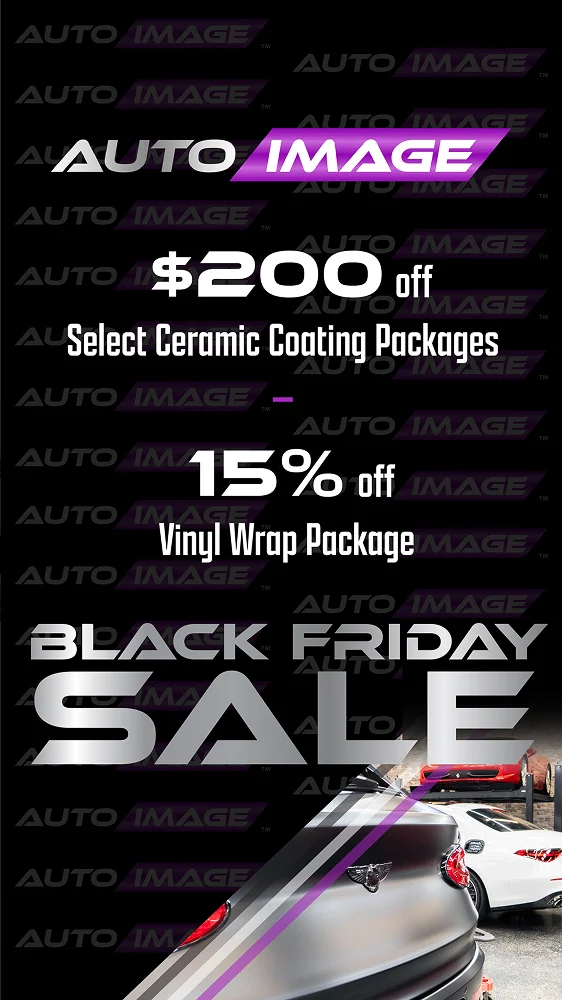
black-friday-deals-img (3)
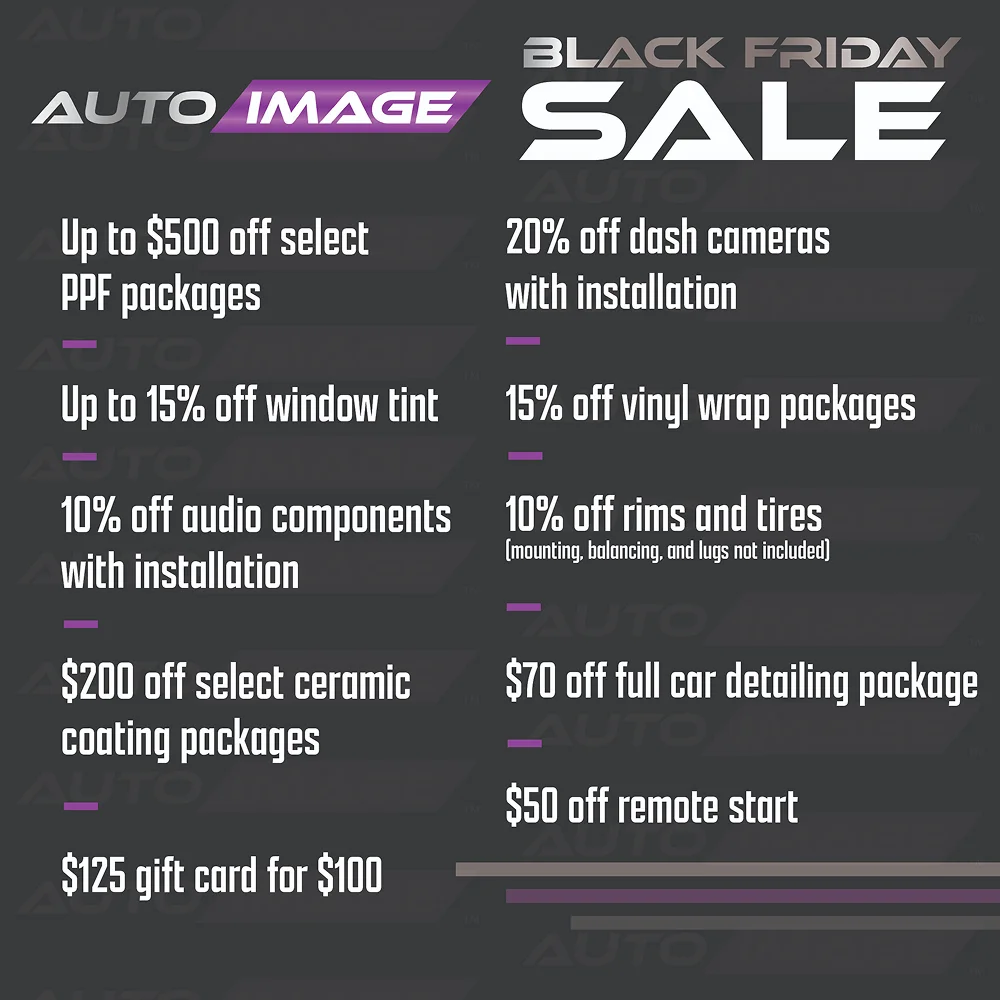
black-friday-deals-img (2)
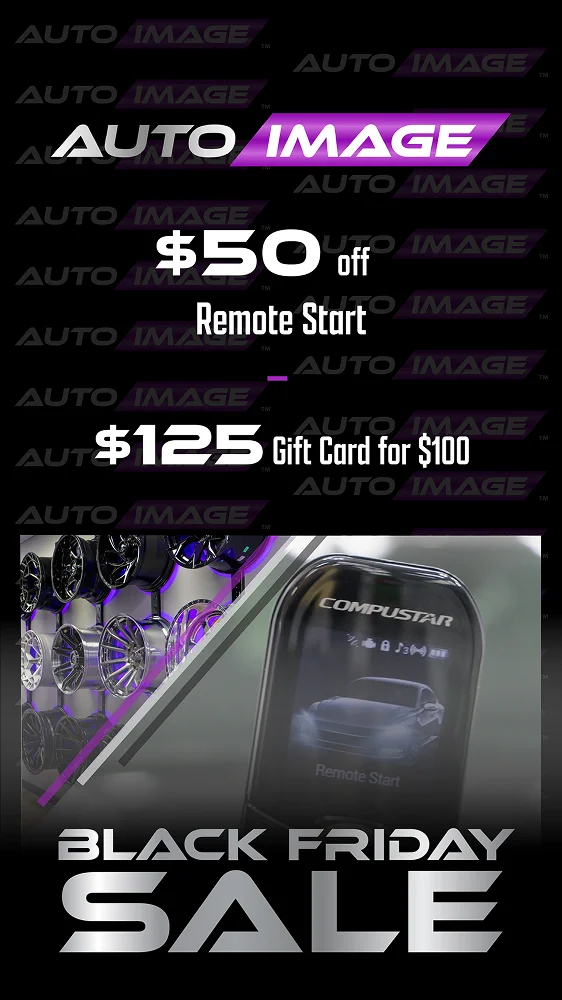
black-friday-deals-img (1)
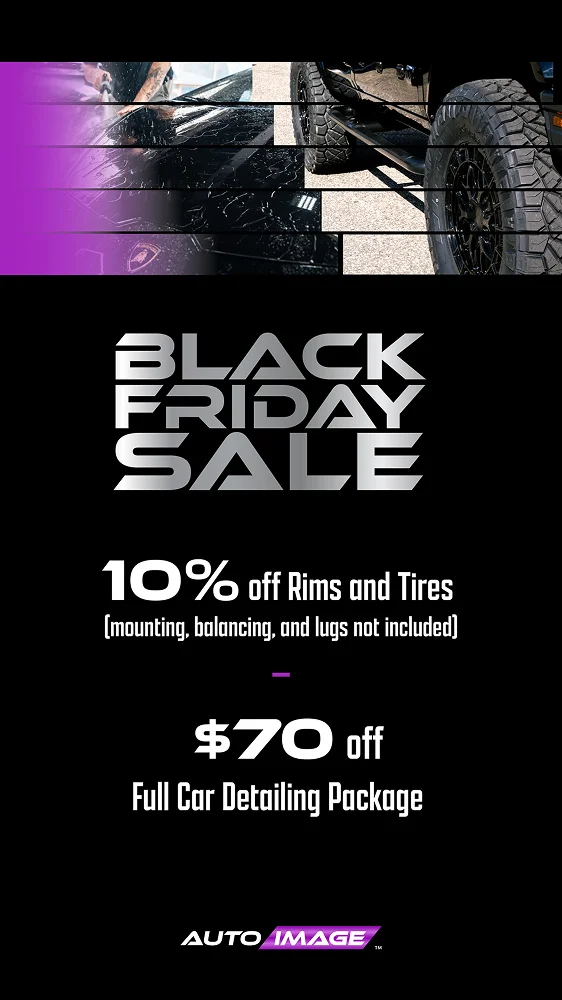
black-friday-deals-img (8)
black-friday-deals-img (7)
black-friday-deals-img (6)
black-friday-deals-img (5)
black-friday-deals-img (4)